SPECMaster
The approved equipment spec library for your organization
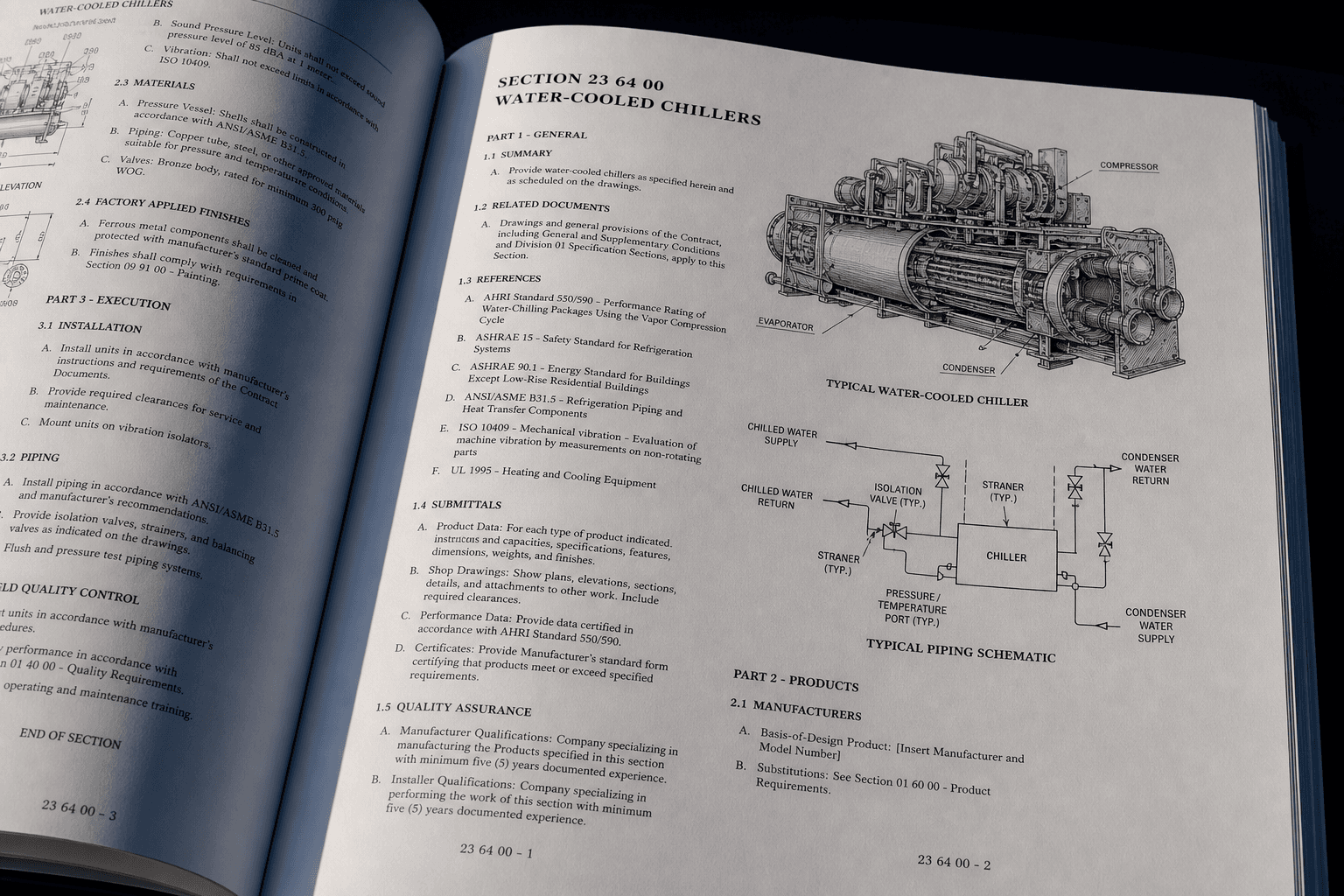
Governing bodies publish master specs. Vendors submit products. Reviewers approve — everyone works from one list.
Individual specs
Acme Thermal Systems
Acme_WCC-400_Spec_Sheet.pdf
Northline Mechanical
Northline_Chiller_Series_7.pdf
Summit HVAC Supply
Summit_Chiller_Submittal.pdf
How it works
One library. One approval path.
SpecMaster connects master specifications with vendor submissions and reviewer decisions — a single governed list for every project.
Explore the workflowStep 1
Publish a master spec
Define equipment types, CSI divisions, and requirements. The master document becomes the reference for that category.
Step 2
Submit an individual spec
Vendors upload product cut sheets against the master — with lead times, contacts, and supporting files.
Step 3
Approve onto the list
Reviewers evaluate submissions. Approved manufacturers appear on the master row for the whole organization.
Governed
Controlled by your standards and process.
Transparent
One source of truth for all stakeholders.
Secure
Enterprise-grade security you can trust.
Collaborative
Built for teams that build great projects.